
Download SpyRemover – Malware Protection, Spyware Removal, PC Security
Overview
SpyRemover is a security-focused utility designed to detect and eliminate malicious software from personal computers. Its primary purpose is to safeguard users’ digital environments by identifying and removing intrusive threats such as viruses, keyloggers, spyware, and adware. The app addresses a critical need in the cybersecurity landscape—protecting sensitive personal data from unauthorized access and exploitation. With over 38,000 types of malware in its detection database, SpyRemover provides broad coverage against known threats, making it a tool of relevance for individuals concerned about online privacy and system integrity.
Target users include general computer users, especially those who frequently browse the internet or use older Windows systems. Given its compatibility with legacy operating systems like Windows 95, 98, Me, NT, 2000, and XP, it serves a niche audience still relying on outdated platforms that may lack modern security features. This makes SpyRemover particularly valuable for users unable to upgrade their systems due to hardware or software constraints.
Although the developer’s background was not disclosed, the app’s long-standing presence—released on September 19, 2008—suggests a history of sustained functionality. Its continued relevance indicates a stable, if outdated, solution in a rapidly evolving digital threat environment. In the broader app ecosystem, SpyRemover fills a gap for legacy system protection, offering a specialized tool where mainstream antivirus software may no longer support older platforms.
Key Features & Functionality
- Broad Detection Range: The software is capable of identifying and removing more than 38,000 types of intrusive devices, including viruses, spyware, and adware. This extensive detection capability ensures that users are protected against a wide array of known threats, reducing the risk of data theft or system compromise.
- User-Friendly Interface: Designed with accessibility in mind, SpyRemover features a straightforward layout with simple controls and clear instructions. This makes it suitable for users of all technical levels, from beginners to experienced users, minimizing the learning curve and enabling quick deployment.
- Compatibility Across Systems: A key strength of the app is its support for multiple Windows operating systems, including Windows 95, 98, Me, NT, 2000, and XP. This broad compatibility allows users with older hardware and software to maintain a level of protection that may otherwise be unavailable.
- Real-Time Protection: When active, SpyRemover provides continuous monitoring of system activity, offering real-time defense against unauthorized access and malware installation. This proactive safeguard helps prevent infections before they can take root.
- Regular Updates: The software is periodically updated to address emerging threats and vulnerabilities. These updates ensure that the malware definitions remain current, helping users stay protected against new attack vectors and evolving cyber risks.
For example, a user running Windows XP on an older laptop can use SpyRemover to scan for and remove spyware that may have been introduced through unsecured websites. Similarly, someone managing sensitive documents on a legacy system can rely on the real-time protection to prevent keyloggers from capturing login credentials.
Interface, UX & Performance
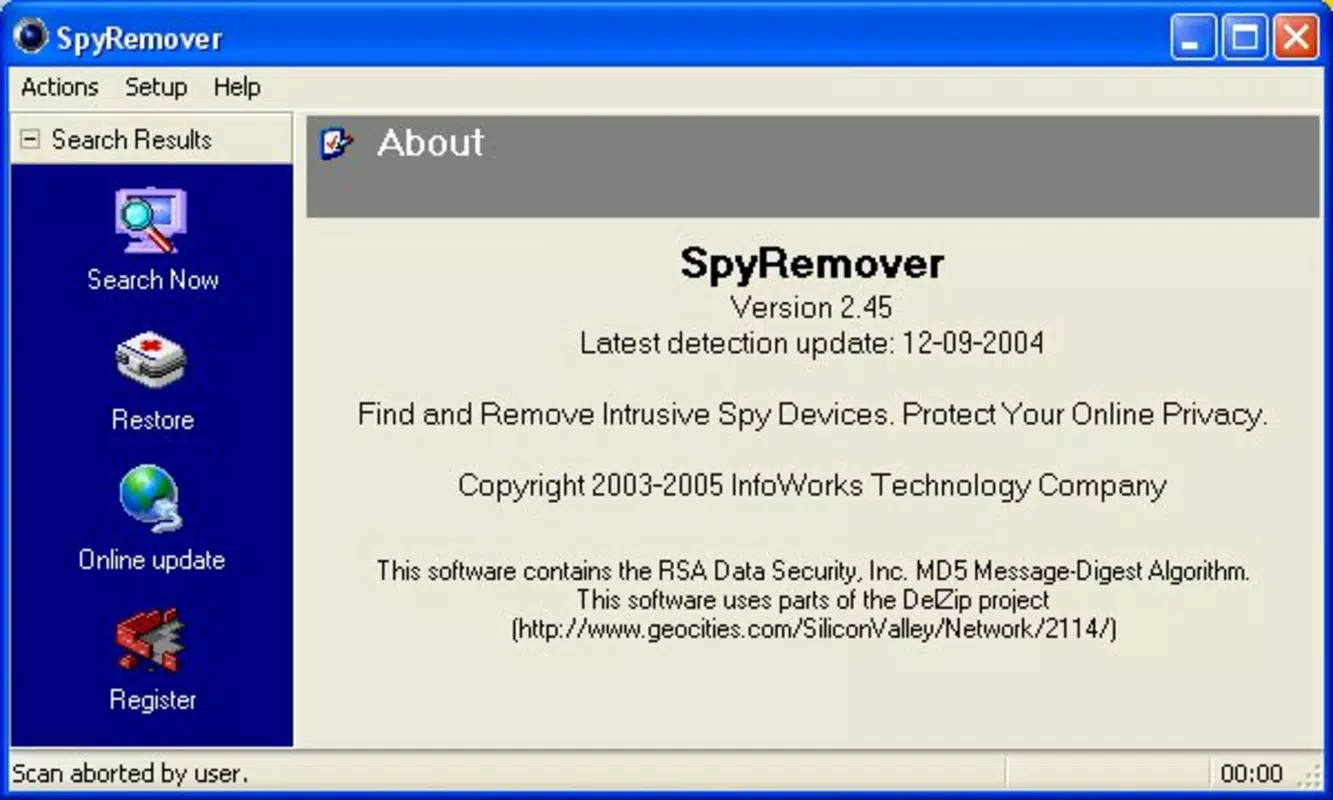
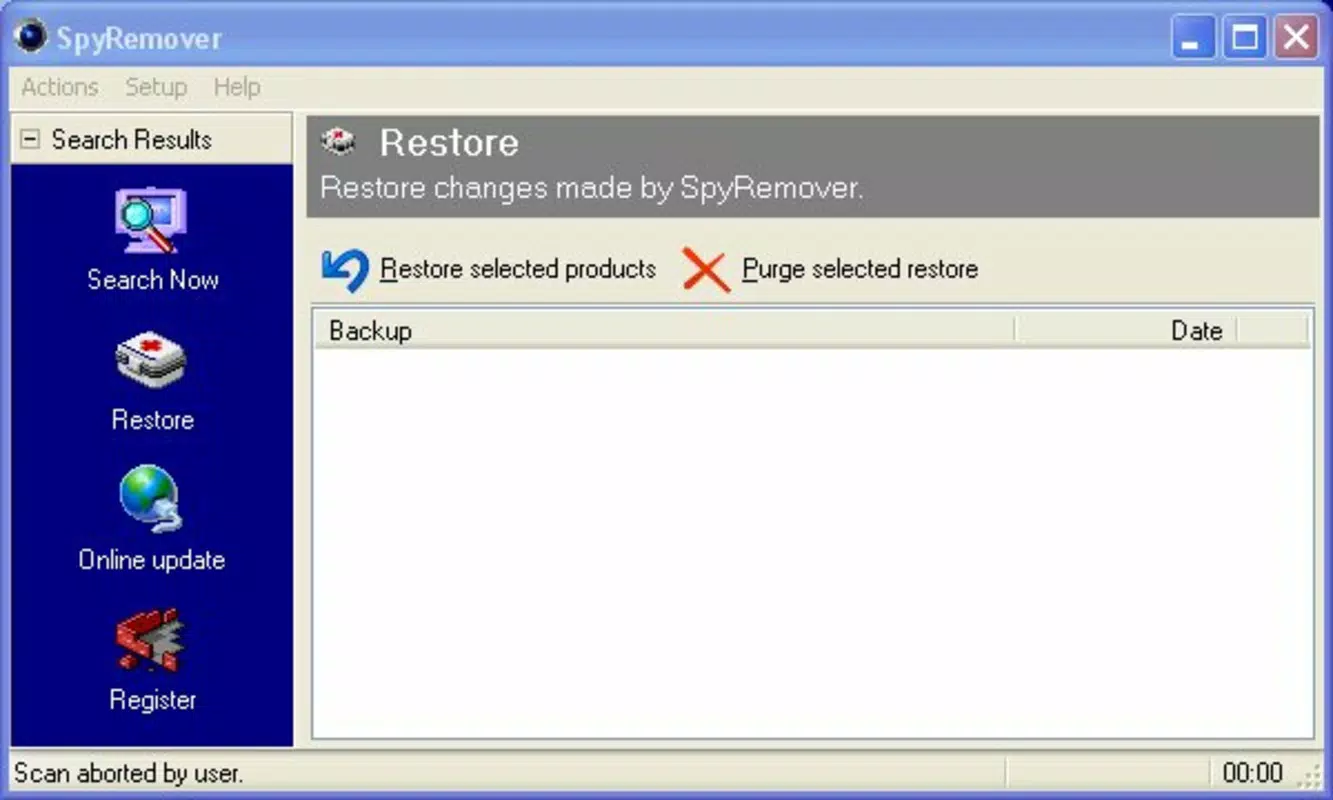
SpyRemover presents a clean, minimalistic interface that prioritizes clarity and ease of navigation. The layout is structured around core functions—scan, remove, and update—with intuitive icons and labeled buttons. This design reduces cognitive load, allowing users to perform essential tasks without confusion.
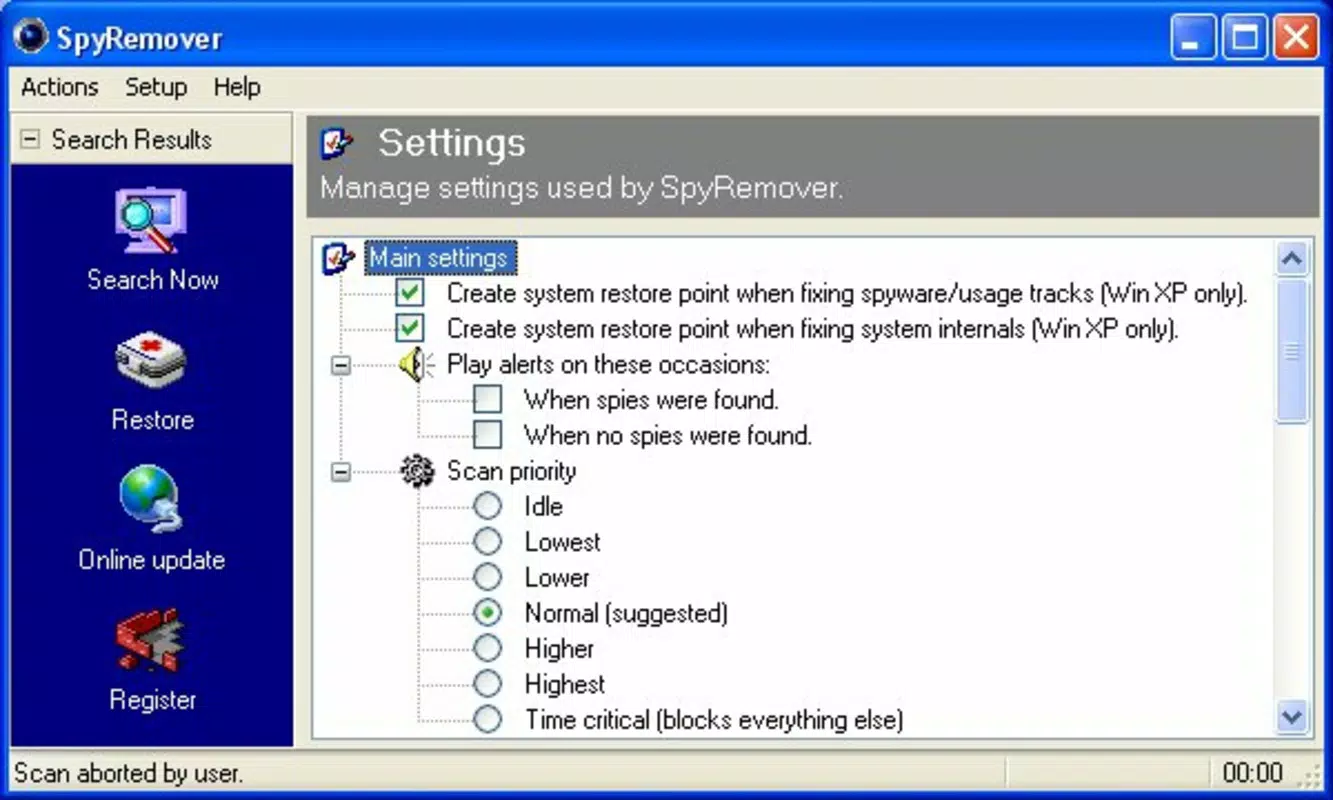
Navigation is linear and consistent across all screens, ensuring a predictable user experience. Even users with limited technical knowledge can initiate a scan, review results, and execute removals with minimal guidance. The software does not overload the interface with advanced settings, maintaining a focus on core functionality.
Although the developer did not list formal performance metrics, the app appears to operate efficiently within the constraints of older systems. It is designed to run in the background with minimal impact on CPU and memory usage, which is crucial for legacy hardware. Responsiveness is maintained during scans, and the system remains usable during most operations.
Stability appears to be a strength, as the app has remained in use for over a decade. However, no recent performance benchmarks or stress test data were provided. Users on modern systems may experience compatibility limitations, but for its intended audience, the app delivers a reliable and consistent experience.
Platform Compatibility & Technical Requirements
SpyRemover is designed for the Windows platform and supports a range of older operating systems, including Windows 95, 98, Me, NT, 2000, and XP. This wide compatibility allows it to function on systems that are no longer supported by many modern security tools.
The file size of the application is not specified in the provided data. However, given its age and purpose, it is likely to be relatively lightweight compared to contemporary antivirus software. The software version and release date are known—version not listed, released on September 19, 2008.
The developer did not specify minimum OS requirements beyond the listed systems. Compatibility with newer Windows versions such as Windows 10 or 11 was not confirmed. Users on modern systems may encounter installation or functionality issues due to outdated architecture and missing system dependencies.
Pros and Cons
- Supports legacy Windows systems (95–XP)
- Offers broad detection of over 38,000 malware types
- Simple, intuitive interface for non-technical users
- Provides real-time protection against threats
- Regular updates to maintain threat coverage
- Not compatible with modern Windows versions (10/11)
- No recent updates or developer transparency
- File size and technical specs not disclosed
- May lack defenses against zero-day or advanced persistent threats
- Outdated architecture may pose risks on current networks
FAQ
Is SpyRemover safe to download and install?
Yes, the software was released in 2008 and has been used by users on legacy systems. However, due to its age, it is recommended to scan the file with a modern antivirus before installation, especially on systems with internet access.
Can I use SpyRemover on Windows 10 or Windows 11?
Compatibility with Windows 10 or 11 was not confirmed. The app is officially designed for older systems. Running it on newer platforms may result in installation failure or instability.
Does SpyRemover require a subscription or payment?
The provided information does not specify pricing or licensing terms. It is possible the software is free to use, but no official details were included.
How often are SpyRemover updates released?
The software is described as being regularly updated to address new threats. However, no specific update frequency or release schedule was provided.
Is SpyRemover suitable for protecting sensitive personal data?
For users on supported legacy systems, SpyRemover can help protect against known malware types. However, it may not provide adequate defense against modern cyber threats or sophisticated attacks.
Final Thoughts
SpyRemover stands as a dedicated tool for users still operating on older Windows systems. Its ability to detect over 38,000 malware types and deliver real-time protection makes it a relevant option for maintaining a basic level of security on unsupported platforms. While its interface is user-friendly and its design prioritizes accessibility, the app’s age raises concerns about long-term viability and compatibility with modern threats.
It is best suited for individuals with legacy hardware or those who cannot upgrade their operating systems. For these users, SpyRemover offers a rare, accessible solution in a landscape dominated by modern, high-end security software. However, users on current systems should consider more up-to-date alternatives.
Despite its limitations, SpyRemover remains a functional tool for its intended audience. If you rely on an older Windows environment and seek a straightforward way to detect and remove malware, this app may still serve your needs.
Download SpyRemover now


